
Gift Cards
The gift card system lets you redeem a 16-digit store gift card into your virtual gift card balance, withdraw that balance to a new gift card, and/or send part of your gift card balance to another player.
Every command can begin with either /gc or /giftcard. This guide uses the shorter /gc alias.
Keep gift card codes private. Anyone with an active code may be able to spend it. Do not post a code in public chat, share it in a screenshot, or send it to anyone you do not trust.
Check your balance
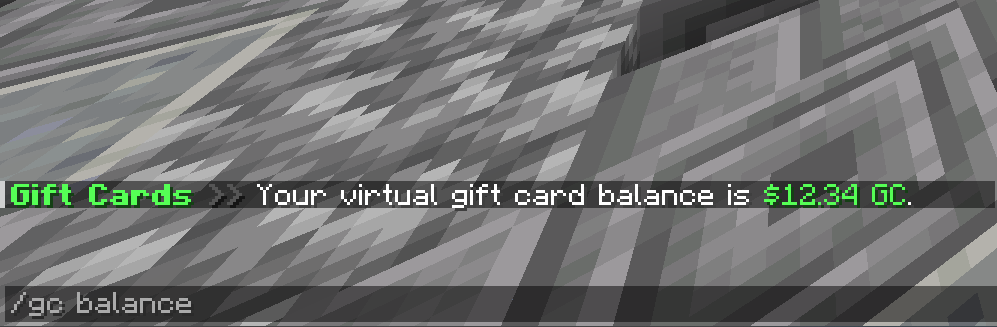
Use either of these commands to see your currently available virtual gift card balance:
/gc/gc balance
Both commands show the same balance in GC.
Redeem a gift card
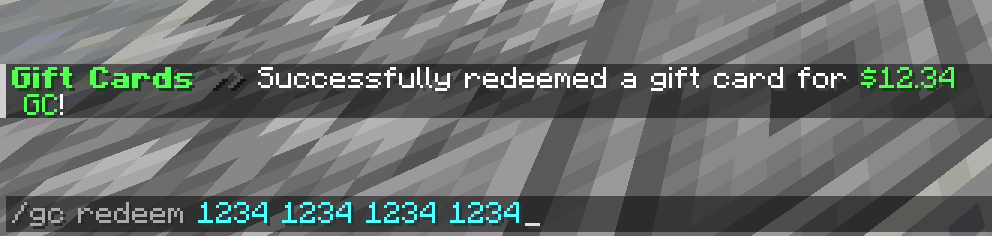
Use /gc redeem <code> to move the remaining value of a gift card into your virtual balance.
The code must contain exactly 16 numbers. Spaces are ignored, so you can enter the code as one continuous number or in the four groups shown on the gift card.
When the redemption succeeds:
- The gift card's entire remaining value is added to your virtual balance.
- The original gift card is voided and cannot be redeemed or spent again.
- The redemption is added to your gift card history.
A code cannot be redeemed if it does not exist, has already been voided, or has no remaining balance.
Withdraw balance to a gift card
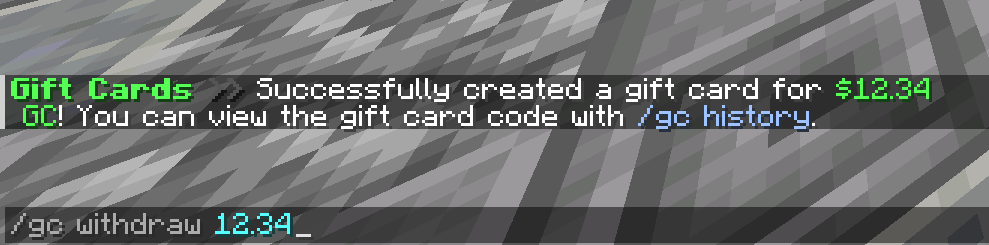
Use /gc withdraw <amount> to turn part of your virtual balance into a new gift card.
- The minimum withdrawal is $5 GC.
- The maximum is $1,000 GC per command.
- The amount is rounded to two decimal places.
- You must have enough available balance to cover the withdrawal.
For example, /gc withdraw 25 creates a gift card worth $25 GC and removes that amount from your virtual balance.
The success message does not display the new code. Open /gc history to retrieve it.
Find and copy the code you just withdrew
Creating the gift card does not print its code in chat. Use these steps to reveal and copy it:
- Run
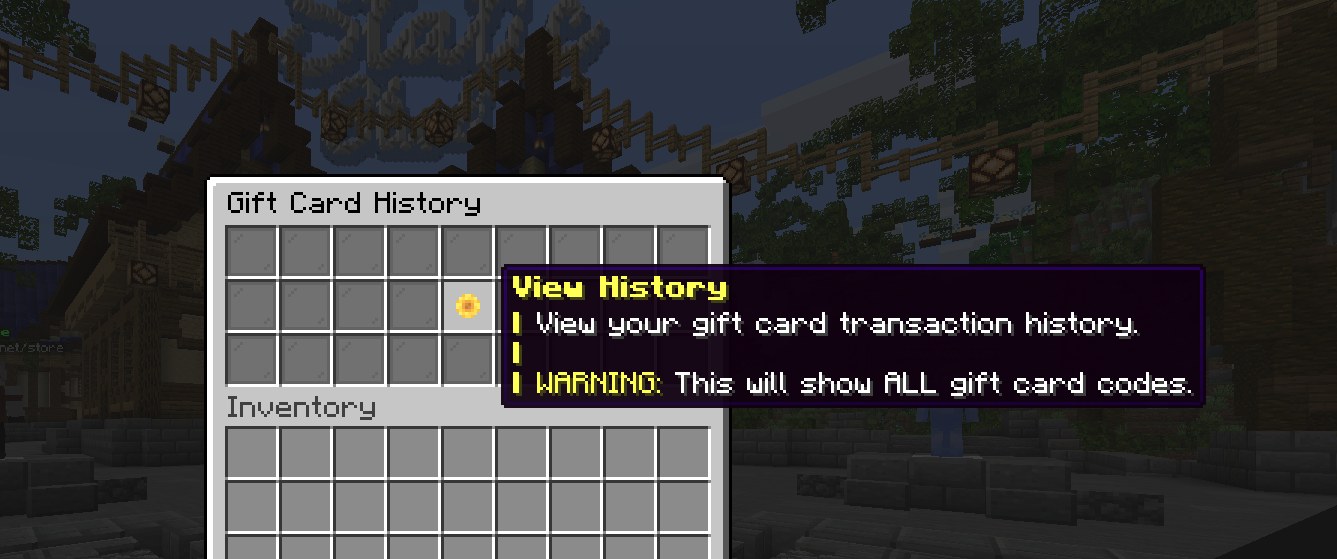
/gc history. - The first Gift Card History menu is a privacy warning. Click the View History button to continue.
- Find the entry titled Withdraw Gift Card whose amount matches your withdrawal. History is ordered newest first, so a card you just created should be near the beginning.
- Click the Withdraw Gift Card entry. The menu closes and a green Click to copy gift card code! message appears in chat.
- Click that chat message to copy the complete 16-digit code to your clipboard.
- Paste the code into the gift card field in your store cart, or save it somewhere private until you are ready to use it.
Make sure you select Withdraw Gift Card, not Redeemed Gift Card. A redeemed card is kept in your history for reference, but its code has already been voided and cannot be spent again.
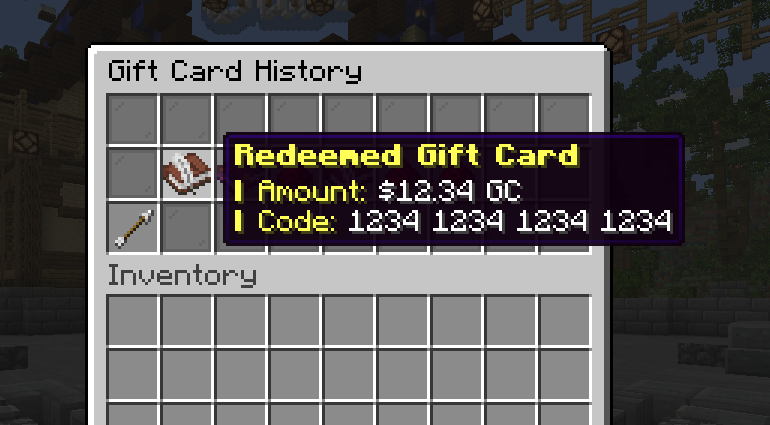

Use a gift card in the store cart
Your virtual /gc balance cannot be entered directly at checkout. First use /gc withdraw <amount>, then follow the
steps above to copy the new 16-digit gift card code.
To use the code:
- Add the items you want to purchase from the store to your cart.
- Open your cart and find Apply gift card above the creator-code field.
- Enter or paste the complete 16-digit code, then select Apply.
- Confirm that the masked card appears in the applied gift-card list and that the Gift Cards line above the cart total shows the credit being used.
- To use more than one gift card, enter each additional code and select Apply again. The cart applies the available cards toward the order total.
- To stop using a card, select Remove beside its masked number before checking out.
- Select Checkout, review the purchase notice, and continue to payment. If the applied cards do not cover the full order, pay the remaining amount using one of the available payment methods.
Pay another player
Use /gc pay <player> <amount> to send virtual gift card balance directly to another player.
For example, /gc pay Sammster10 12.34 sends $12.34 GC to Sammster10.
- The amount must be greater than zero and no more than $1,000 GC per command.
- The amount is rounded to two decimal places.
- You must have enough available balance.
- You cannot pay yourself.
Successful payments are recorded in both players' gift card histories.
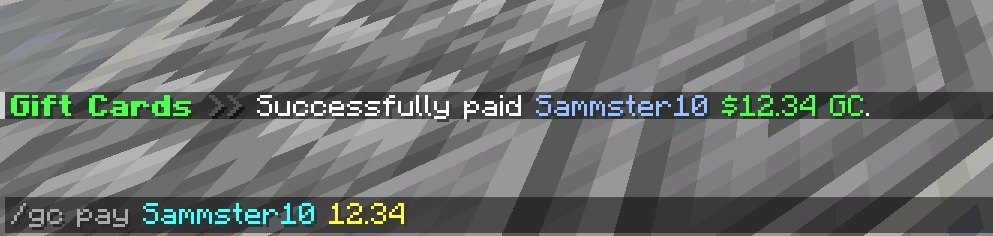
View your history and retrieve a code
Run /gc history to open your gift card transaction history.
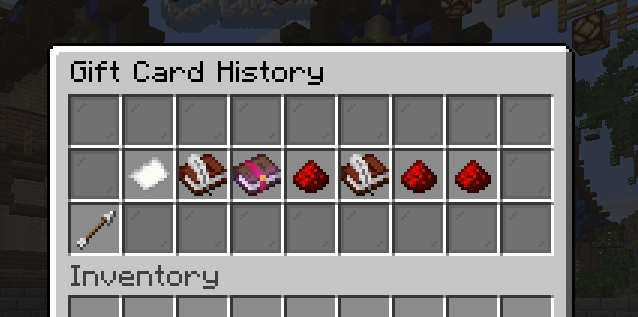
The first menu is a privacy warning because the next screen shows complete gift card codes. Click the View History button to continue. The transaction history is ordered with the most recent item first and can include:
- Gift cards you withdrew
- Gift cards you redeemed
- Payments you sent or received
- Balance changes made by staff
Select a withdrawn or redeemed gift card entry to receive a clickable message in chat, then click that message to copy the code. To retrieve a usable code after a withdrawal, follow the complete steps in Find and copy the code you just withdrew above. A redeemed code is shown for your records but is already voided.
Command reference
| Command | What it does |
|---|---|
/gc | Shows your available virtual gift card balance. |
/gc balance | Shows the same available balance. |
/gc redeem <code> | Voids a valid 16-digit gift card and adds its remaining value to your virtual balance. |
/gc withdraw <amount> | Creates a new gift card using $5-$1,000 GC from your virtual balance. |
/gc pay <player> <amount> | Sends up to $1,000 GC from your virtual balance to another player. |
/gc history | Opens your private transaction history and lets you retrieve gift card codes. |
Troubleshooting
- Invalid gift card code: Check that the code has exactly 16 digits. The card may also be unknown, voided, or empty.
- Insufficient funds: Check
/gc balanceand enter an amount no greater than your available balance. - History warning: This is expected. It protects you from accidentally showing complete gift card codes.
- Unexpected error: Contact a staff member and explain which command you used. Never include the complete gift card code in a public message or screenshot.